Places Library, an itinerary of districts
Every place on the route, and what to keep.
Places Library covers buildings, rooms, streets and cities: listings, towers, warehouses, galleries, brickwork, wet streets, souks and the edge of town. Works in the free Lightroom app on iPhone and Android, and in Lightroom Classic.
For architecture, property, travel and street photographers who want everything for places.
- Works in the free Lightroom app
- Lightroom Classic and desktop too
- Instant download
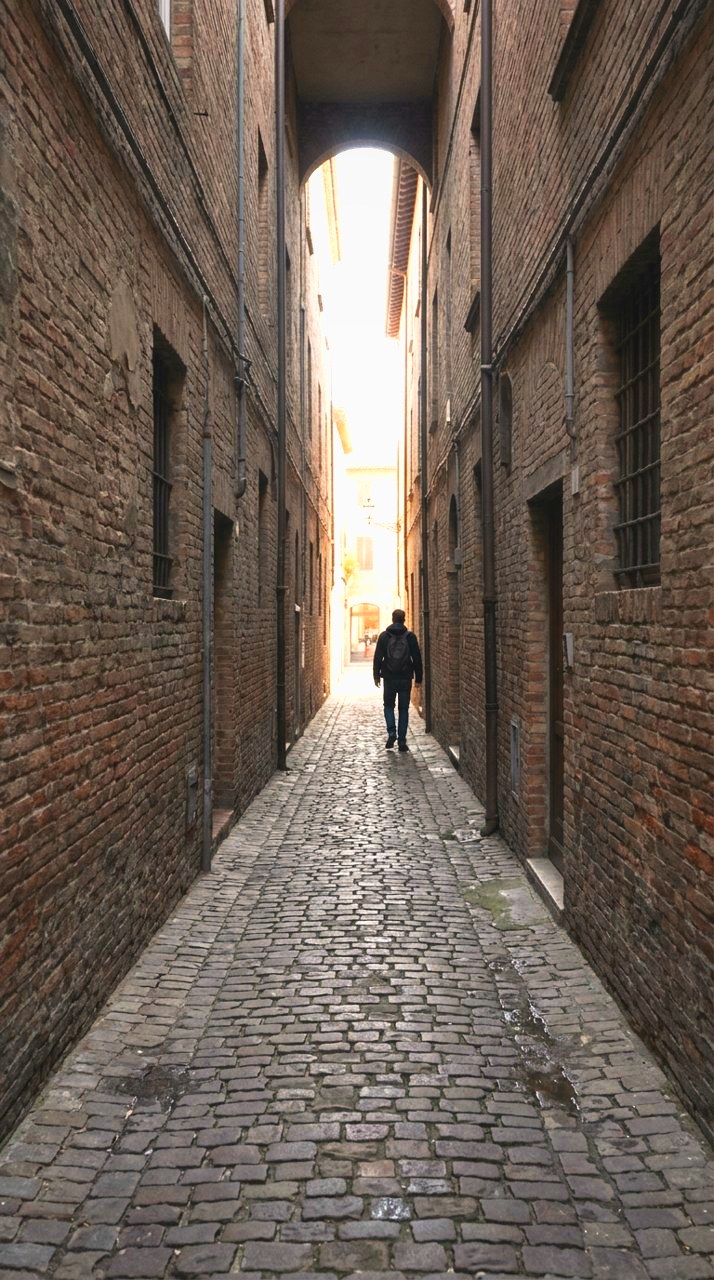
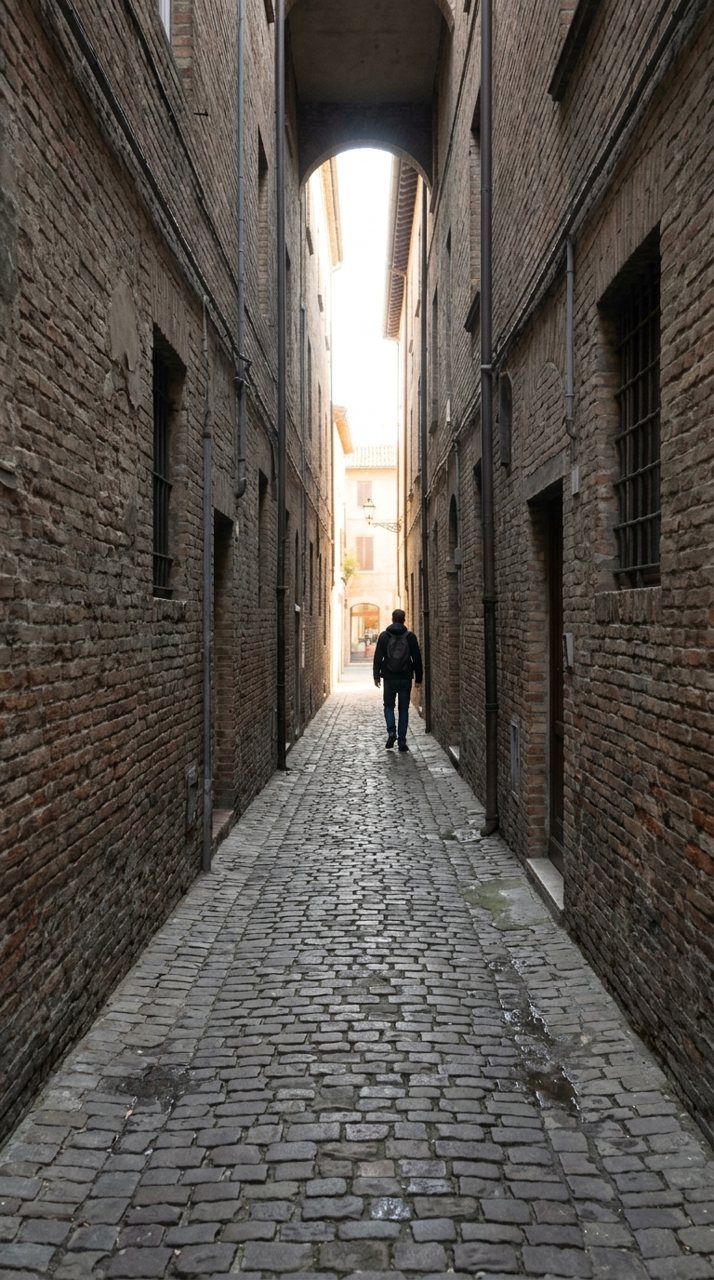
see it
Where you stood
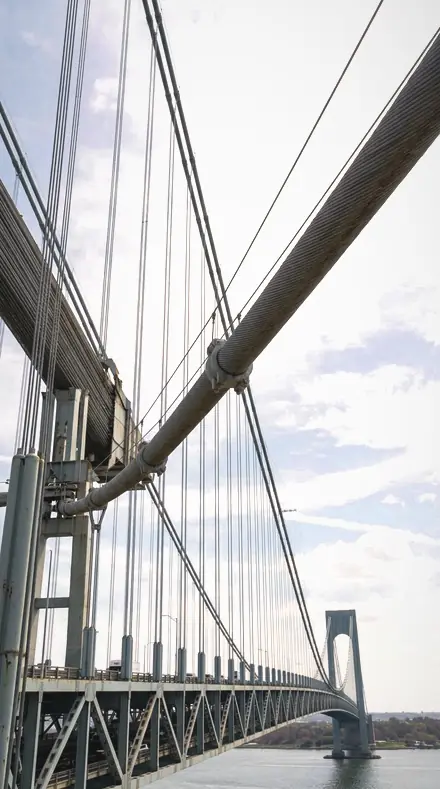
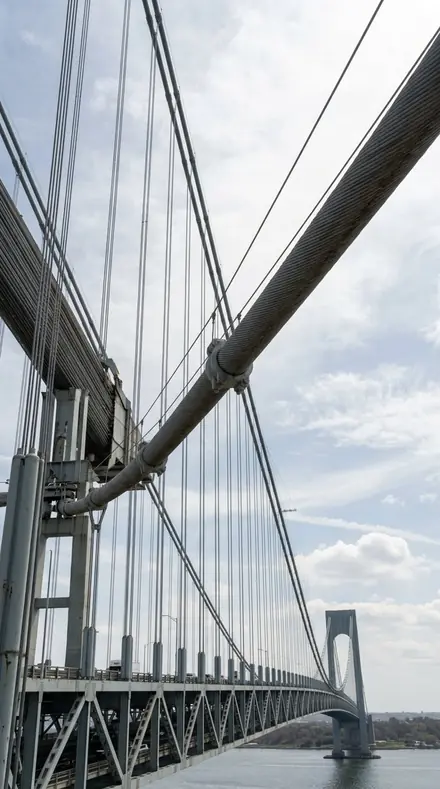
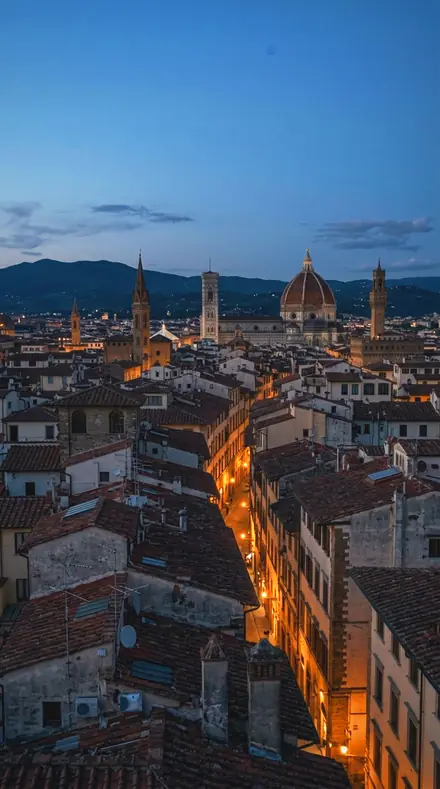
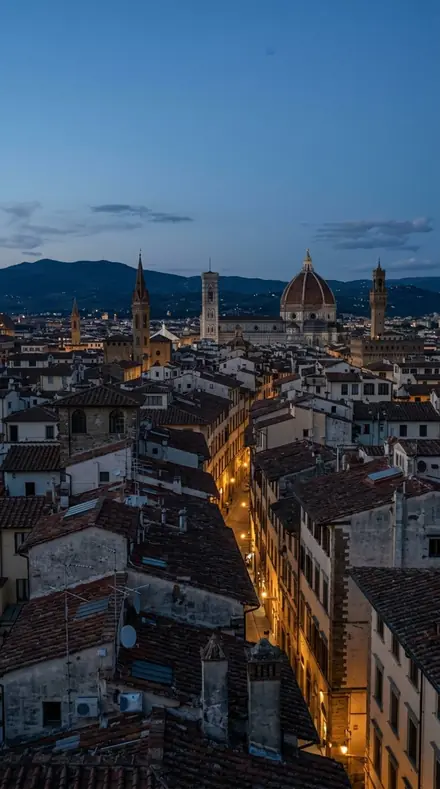
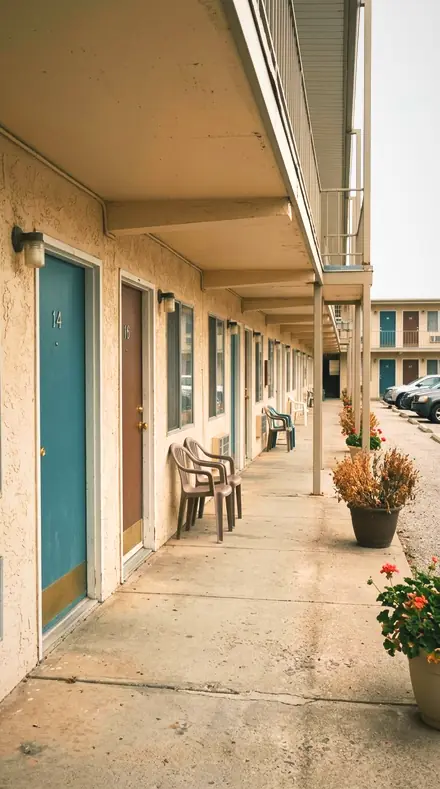
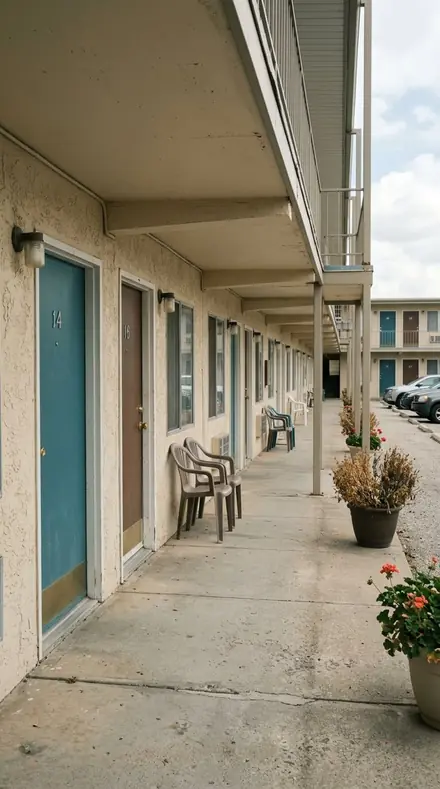
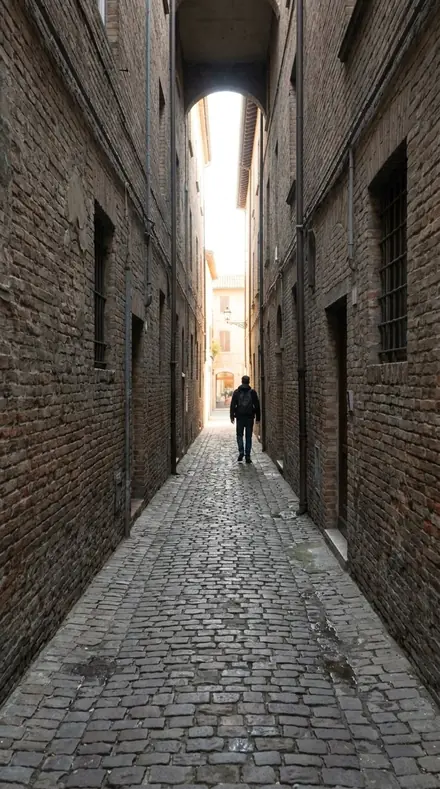
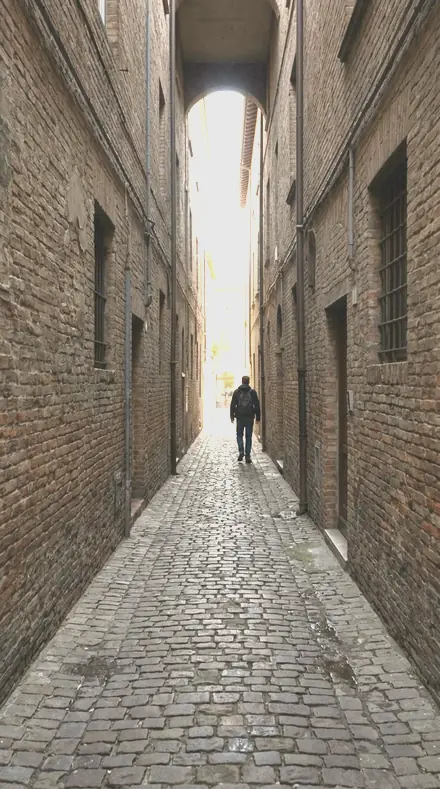
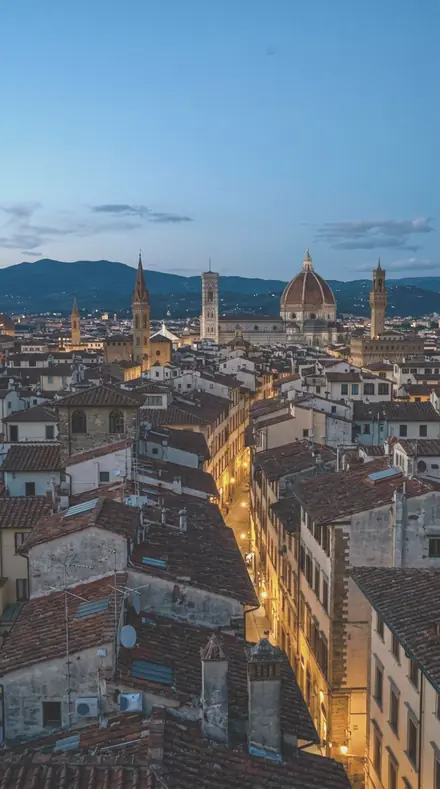
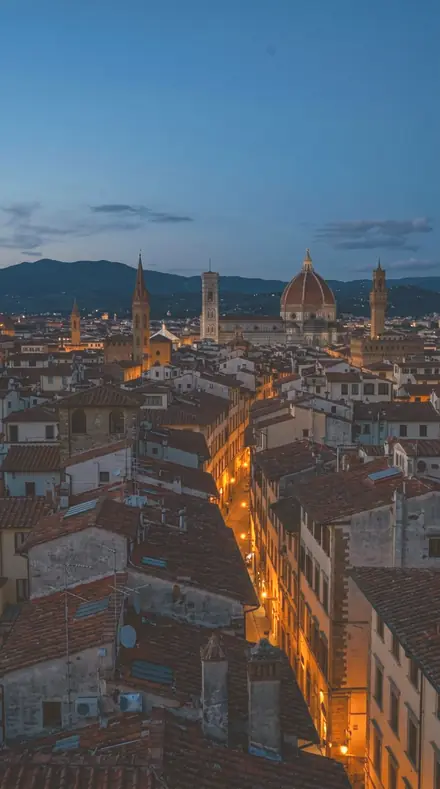
Property district. Listing Bright pulls the windows back and lifts the room to meet them. Bright Room keeps the walls near paper for stylists. Glass Tower holds the sky behind the glazing with the greys neutral. Old Stone opens shadow detail in warm masonry and leaves the mortar honest. Book Corner is the lamp-lit reading nook with paper kept paper.
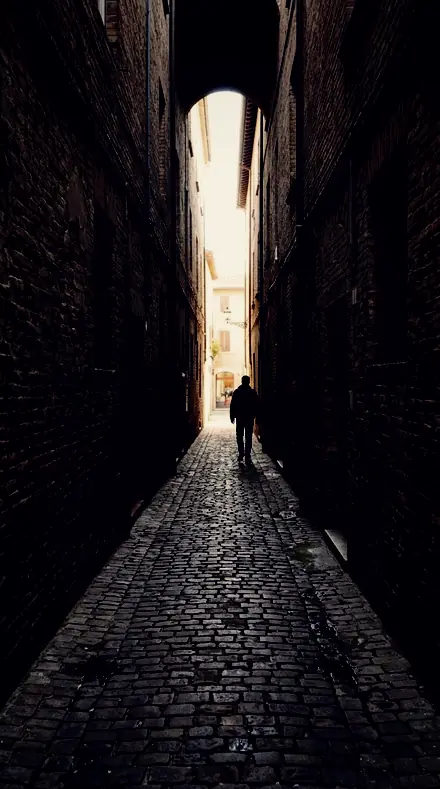
Dark and industrial. Dark Room is single-window chiaroscuro with a cool shadow grade. Industrial Warehouse takes the fluorescent green out and leaves the concrete cool. Concrete Form is brutalism in neutral grey with the mass firm. Museum Gallery cools and darkens the room so the work stays the subject and the glass stops reflecting. Then the details, one collection per material: brick with the mortar held, a vault shot straight up with the falloff removed, joinery and hardware, ironwork against bright sky, dark roofs, staircases with the treads legible, tiled planes even edge to edge, windows with the interior just readable.
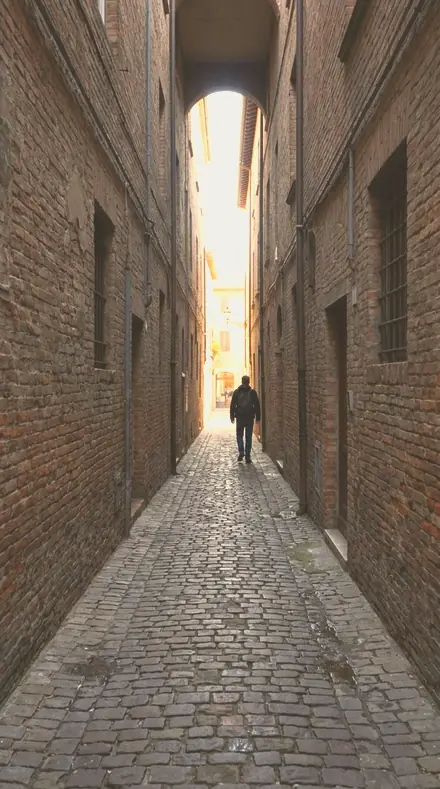
Street. Street Face keeps skin unflattered and the grain honest. Subway Tile neutralises the transit green. Wet Asphalt holds the speculars and keeps reflections as detail. Grain Witness is warm reportage with visible grain. Market Stall untangles produce and cloth band by band. Souk Lantern carries the amber in the yellow band and keeps faces off ruddy. The documentary district closes the route: Empty Lot, Midday Flat and New Topographic keep the record plain, Balloon Dawn saturates the envelopes against a darker sky, Border Road holds the horizon on a dusty vista, Temple Shade lifts the shrine and separates gilt from stone.
Not on this itinerary: the exclusive place sets, Stained Glass, Hotel Lobby and Rooftop View, each sold on one specialist page only. Buildings and Rooms is the smaller pack of the property and detail districts; this library is every district together.
the itinerary
The Itinerary
522 presets across 5 territories
Property, dark and industrial, details, street, documentary. Each district opens to its collections and a few presets on the same photographs.
Listing and property
dayWindows pulled back and rooms lifted to meet them; glass kept neutral, masonry warm, the reading corner lamp-lit.
- Listing Bright 18 presets
- Bright Room 18 presets
- Glass Tower 18 presets
- Old Stone 18 presets
- Book Corner 18 presets




Dark and industrial
dayChiaroscuro rooms, warehouses with the fluorescent green gone, brutalist grey, galleries cooled so the work stays the subject.
- Dark Room 18 presets
- Industrial Warehouse 18 presets
- Concrete Form 18 presets
- Museum Gallery 18 presets


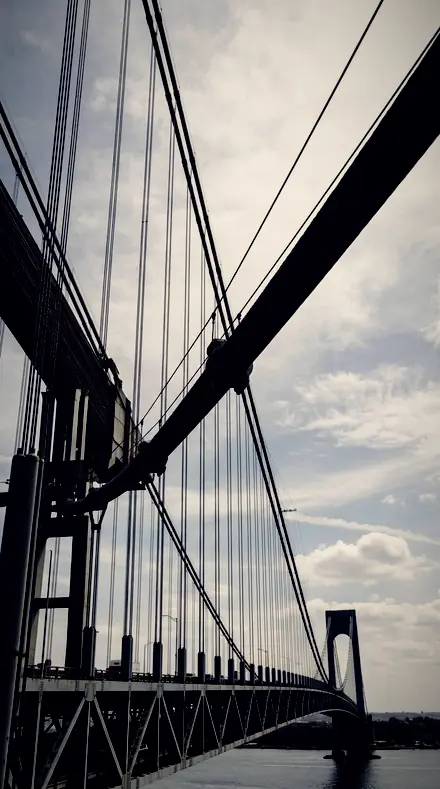


Details
dayBrick, vault, door, rail, roof, stair, tile, window: each kept as its material.
- Brick Course 18 presets
- Ceiling Vault 18 presets
- Door Panel 18 presets
- Iron Rail 18 presets
- Roof Line 18 presets
- Stair Turn 18 presets
- Tile Pattern 18 presets
- Window Reveal 18 presets


Street
dayFaces unflattered, transit tile neutral, rain kept as reflection, market colour untangled, lantern amber.
- Street Face 18 presets
- Subway Tile 18 presets
- Wet Asphalt 18 presets
- Grain Witness 18 presets
- Market Stall 18 presets
- Souk Lantern 18 presets


Documentary places
dayThe plain honest record: lots, midday, altered land, dawn launches, dusty roads, dim shrines.
- Empty Lot 18 presets
- Midday Flat 18 presets
- New Topographic 18 presets
- Balloon Dawn 18 presets
- Border Road 18 presets
- Temple Shade 18 presets


how it works
Yours in two minutes
- Buy the setCheckout takes a card; you get a receipt by email.
- Download instantlyThe preset files download right after payment. Re-download any time from your account.
- Import to LightroomOpen the files in the free Lightroom app (iOS or Android) or Lightroom Classic. Lightroom saves them as presets automatically.
- Tap a presetOne tap applies the full look. Every setting stays editable after.
- Single-user license. Yours to use in personal and client work.
- No redistribution. Don't resell or share the preset files themselves.
- Free app is enough. No Adobe subscription needed for Lightroom mobile.
- Keep it forever. Files live in your account for re-download.

the maker
Why I Make These
I am Netzah Elad Topaz. I take photographs and I build software, and the two keep leading me back to the same problem. You were there. The light was doing something you will not see again. Then the photo comes back flat, and it is not what you were looking at.
Closing that gap is the whole job. Every preset here is built from Adobe defaults by hand, with a written note for what it should do to a picture, and it is judged on real photographs before it ships. Nothing is a filter dropped on top of your work.
What I want is simple. You open a photo you almost gave up on, you tap once, and there it is: the day you remember, not the file your camera handed you. That is worth doing properly.
Netzah Elad Topaz, photographer and software builder
get it
Get Places Library
Places Library
$449
All 522 presets · one-time payment · instant download
Works in the free Lightroom app · keep forever
Instant download after payment. The download link is also sent to your email and stays available in your account.
questions
Asked and Answered
Does it straighten verticals?
No. A preset cannot move geometry. Correct the perspective in Lightroom first, then apply the look; the collections handle tone, colour and texture.
Is this one download or several?
One ZIP, with every collection in its own folder. Import them all, or only the ones you use.
Do these work in the free Lightroom app?
Yes. Import the .xmp files in the free Lightroom app on iPhone or Android, no subscription needed. They also work in Lightroom Classic and Lightroom on desktop.
What exactly do I get?
All 522 presets from Places Library as .xmp files in an instant ZIP download. The link also lands in your email, and the purchase stays in your account so you can re-download any time.
How do I install them?
Two minutes: unzip, then import inside Lightroom. The step-by-step guide covers iPhone, Android, and desktop.
Can I use them for client work?
Yes. The single-user license covers personal and commercial photography. The one thing you can't do is share or resell the preset files themselves.
Can I tweak a preset after applying it?
Always. A preset is a starting point; every slider stays yours to adjust.
What if it's not for me?
Before your first download we refund, no questions asked. After a download, sales are final except a technical fault we cannot fix or a duplicate charge. Details on the refunds page.